
Gemini Omni 1.1 vs. Omni Flash: 5 Key Upgrades
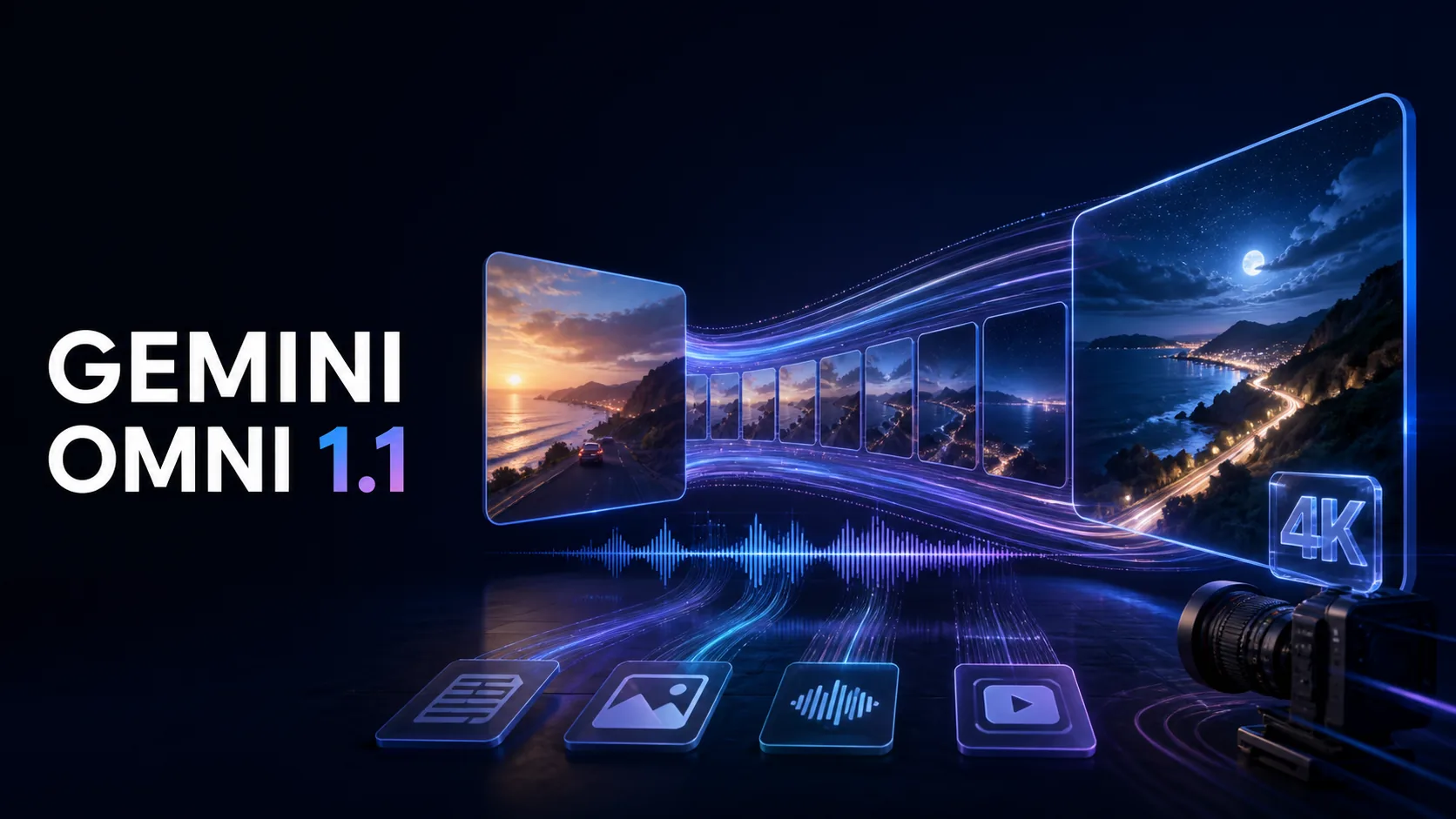
How different is Gemini Omni 1.1 from the original Gemini Omni Flash release? The short answer is that version 1.1 keeps the same multimodal foundation but adds five practical upgrades for longer scenes, planned transitions, reference-driven motion, rapid prototyping, and high-resolution delivery.
Released on August 27, 2026, Gemini Omni 1.1 adds a focused set of creative controls while preserving the multimodal foundation that made the original model distinctive. Users can still combine text, images, audio, and video as inputs, generate video with sound, and revise clips through natural-language conversation. The difference is that version 1.1 gives creators more influence over where a shot begins, where it ends, how long it continues, and how efficiently it can be refined.
In this comparison, we will examine those five upgrades, explain what has remained unchanged, and help creators decide where Gemini Omni 1.1 fits into a real production workflow.
What Is Gemini Omni 1.1 Flash?
Gemini Omni 1.1 Flash is Google’s updated multimodal video generation and editing model. It accepts text, image, audio, and video inputs and produces high-resolution video with audio. Because the model is natively multimodal, creators are not limited to describing an idea with words. They can provide visual references, an existing clip, a soundtrack, or a combination of inputs, then guide the result through conversation.
Google describes Omni as the point where Gemini’s reasoning meets generative media. That matters because video creation requires more than attractive frames. A useful model must understand instructions, preserve subjects over time, interpret movement, follow physical relationships, and respond predictably when the user asks for a specific edit.
Gemini Omni 1.1 builds on that foundation with features designed for practical production: scene extension up to 40 seconds, first-and-last-frame control, short video references, an economical 360p draft mode, and upscaling to 1080p or 4K.
A note about the name: Google originally launched the first model as Gemini Omni Flash, without formally calling it “Gemini Omni 1.0.” In this article, “1.0” refers to that original May 2026 release, while “1.1” refers to the official August 2026 update.
Gemini Omni 1.1 vs. Original Omni Flash at a Glance
| Capability | Original Gemini Omni Flash (“1.0”) | Gemini Omni 1.1 Flash |
|---|---|---|
| Multimodal inputs | Text, image, audio, and video | Text, image, audio, and video |
| Conversational editing | Yes | Yes, with expanded production controls |
| Native video audio | Yes | Yes |
| Scene duration workflow | Primarily short, self-contained clips | Extend in 10-second increments, up to 40 seconds total |
| Context used for extension | Earlier models relied mainly on the final second | Can analyze up to 10 seconds of preceding footage |
| First-and-last-frame control | Not available as a dedicated control | Supported for planned transitions and continuous shots |
| Video reference input | General video input and editing | Reference up to three seconds of video when creating a scene |
| Draft workflow | Standard rendering | Faster, lower-cost 360p previews |
| Final resolution options | High-resolution output | 1080p and 4K upscaling for delivery |
| Developer positioning | Initial rollout and experimentation | Production-ready update available through developer tools |
The important change is not that 1.1 replaces the original creative concept. Instead, it reduces several sources of friction that appear between a good first generation and a usable final video.
1. Longer Scenes with Better Continuity
The headline upgrade is scene extension. Gemini Omni 1.1 can continue an existing scene in 10-second increments up to a cumulative length of 40 seconds. This is especially useful for dialogue, product demonstrations, visual storytelling, music sequences, and cinematic reveals that cannot fit comfortably into one short clip.
Continuity is the more significant part of the update. According to Google, Omni 1.1 can analyze up to 10 seconds of previous footage when generating the next section. Earlier models referenced only the final second. The larger context window gives the model more information about the character, movement, camera direction, lighting, environment, and narrative action it needs to continue.
For creators, this means fewer abrupt changes between extensions. A character is more likely to continue the same gesture, a camera move can develop more naturally, and a conversation can retain its visual rhythm. It is still good practice to make each extension prompt explicit, but the model now has a stronger basis for maintaining the scene.
2. First-and-Last-Frame Control
Text prompts are powerful, but they do not always define exact visual endpoints. Gemini Omni 1.1 addresses that problem by allowing users to specify both the opening and closing frames of a generated shot.
The model then creates a continuous video between those two images. This control is valuable for:
- Smooth product reveals
- Camera orbits around a person or object
- Before-and-after transformations
- Match transitions between locations
- Zooms that must arrive at a precise composition
- Seamless or near-seamless loops for social media
With the original release, a creator could describe a transition but had less certainty about the final composition. In 1.1, the destination can be visually defined in advance. The prompt can concentrate on the path between the two frames—for example, the camera movement, pacing, action, and atmosphere.
3. Video References for More Precise Direction
Gemini Omni has always emphasized the idea of creating video from different kinds of input. Version 1.1 makes reference-driven creation more practical by letting creators use up to three seconds of video as context for a new scene.
A short reference can communicate information that is difficult to describe with text alone: the timing of a dance move, the energy of a handheld camera, the motion of fabric, the rhythm of an action, or the behavior of a character. Combined with images and a written prompt, video references give the model a clearer target for motion and visual continuity.
This can be particularly helpful for branded content. A creator might supply a product image for appearance, a short clip for camera movement, and a prompt for the new setting. The result is a richer brief without requiring a long technical description.
4. A Faster Draft-to-Final Workflow
AI video creation is iterative. Even a strong prompt may need several versions before the composition, timing, movement, and tone feel right. Rendering every experiment at full resolution wastes both time and generation budget.
Gemini Omni 1.1 introduces 360p draft previews for more efficient iteration. Creators can test the structure of a scene at low resolution, adjust the prompt, and repeat until the idea works. Once the timing and composition are approved, the selected version can move to a higher-resolution final render.
This creates a workflow closer to professional previsualization:
- Draft the concept in 360p.
- Check framing, action, camera movement, and pacing.
- Refine only the elements that need improvement.
- Produce the final version at 1080p or upscale it to 4K.
The upgrade does not merely improve output quality; it makes experimentation more economical.
5. 4K Upscaling for Production-Ready Delivery
Gemini Omni 1.1 supports upscaling finished video to 1080p and 4K. A sharper final file is useful for large displays, presentations, advertising, post-production crops, and projects that mix AI-generated footage with conventionally filmed material.
It is important to understand that 4K is an upscaled delivery option, not a promise that every tiny detail was natively generated at 4K. The quality of the source generation still matters. Creators should review faces, hands, text, product details, and fast motion at the draft stage before committing to a final upscale.
What Has Not Changed?
Gemini Omni 1.1 keeps the original model’s central strengths. It remains a conversational, multimodal system rather than a traditional timeline editor. You can begin with a simple idea, add references, generate a clip, and request focused changes in natural language. The model also continues to generate synchronized audio and video and to use Gemini’s world understanding when interpreting scenes.
The update also does not eliminate every limitation of generative video. Google’s model card notes that complete consistency across edits, highly complex motion, and perfectly accurate text can still be challenging. For commercial work, every output should be reviewed carefully, especially when brand assets, readable typography, continuity, or factual accuracy are important.
Who Benefits Most from Gemini Omni 1.1?
The new version is especially relevant for creators who have moved beyond one-shot experiments:
- Filmmakers and previsualization teams can test longer actions and planned camera transitions.
- Marketing teams can create product reveals, campaign variations, and higher-resolution ad assets.
- Social media creators can design loops, vertical sequences, and multi-beat stories with more predictable endpoints.
- Educators can extend explainers while maintaining the same visual setting and presenter.
- Developers can build video generation and editing workflows with draft, extension, reference, and upscale stages.
- Designers and agencies can communicate motion ideas using reference clips instead of relying on text prompts alone.
How to Get Better Results with Gemini Omni 1.1
The new controls work best when the prompt clearly separates the subject, action, camera, environment, visual style, lighting, and audio. For scene extensions, describe what should happen next rather than repeating the entire original prompt. For first-and-last-frame generation, explain how the camera or subject should travel from the starting composition to the final one.
A practical prompt pattern is:
Subject and action + camera framing and movement + location + lighting and style + audio + continuity constraints
For example:
A silver sports car accelerates along a wet coastal road at night. The camera begins in a low rear tracking shot, moves smoothly around the driver’s side, and ends in a front three-quarter close-up matching the supplied final frame. Blue moonlight, warm reflections from roadside lamps, realistic tire spray, continuous motion, no cuts. Deep engine sound, ocean wind, and subtle cinematic music.
The clearer the creative direction, the more useful the model’s new controls become.
Final Verdict: Is Gemini Omni 1.1 a Meaningful Upgrade?
Yes. The original Gemini Omni Flash established the big idea: generate and edit video from almost any combination of media through a conversation. Gemini Omni 1.1 makes that idea substantially more usable.
Scene extension supports longer storytelling. Ten seconds of prior context improves continuity. First-and-last-frame control makes transitions more predictable. Video references communicate motion more directly. A 360p draft mode encourages faster experimentation, while 1080p and 4K upscaling provide more flexible delivery options.
The result is a model that fits more naturally into a real creative pipeline—from rough concept to polished export. Gemini Omni 1.1 does not replace creative direction, editing judgment, or quality control. It gives creators better tools for each of them.
Ready to explore the new workflow? Visit the Gemini Omni 1.1 video generator to review its capabilities and start creating your next AI video.