
Gemini Omni Blog
News, resources, and updates about Gemini Omni video generation
Best Ways to Use Gemini Omni in 2026
Compare the four ways to use Gemini Omni in 2026: the Gemini app, Flow, AI Studio, and GeminiOmni.co, the studio with every top AI video and image model.
Read More
Gemini Omni Online: Use Gemini Omni in Your Browser
Use Gemini Omni online in your browser with nothing to install. Learn what you need, the 5 steps from prompt to download, and tips for desktop and mobile.
Read More
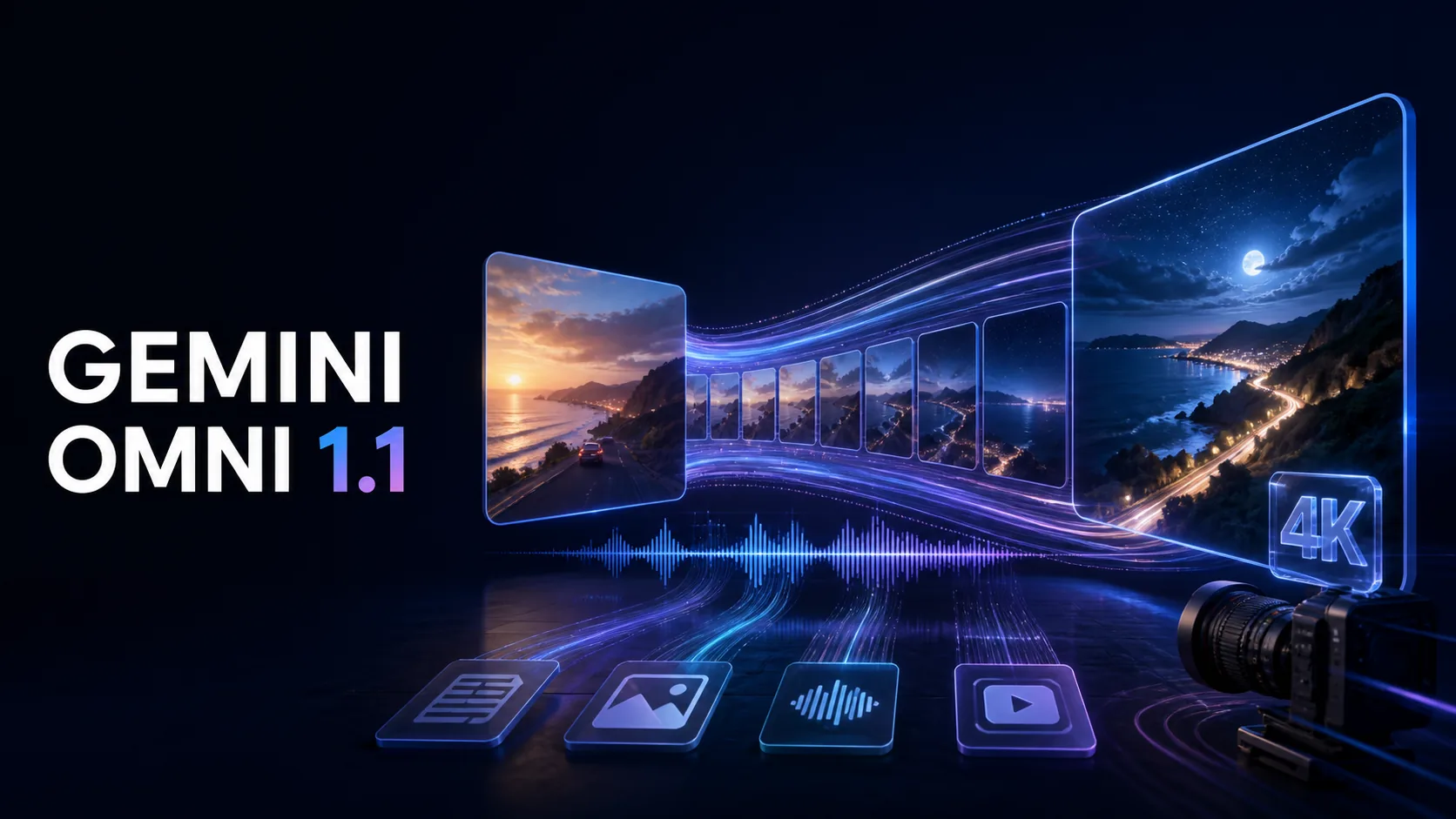
Gemini Omni 1.1 vs. Omni Flash: 5 Key Upgrades
Compare Gemini Omni 1.1 with the original Omni Flash release, including longer scenes, frame control, video references, draft rendering, and 4K upscaling.
Read More
How to Create YouTube Shorts with Gemini Omni: 9:16 Prompts and Workflow
Create YouTube Shorts with Gemini Omni: 9:16 export settings, mobile-safe framing, a layered prompt structure, five ready-to-use prompts, and an editing workflow.
Read More

How to Create a Consistent AI Avatar with Gemini Omni
Learn how to keep an AI avatar consistent across every Gemini Omni video, from the master reference image to scene prompts, motion, dialogue, and focused edits.
Read More
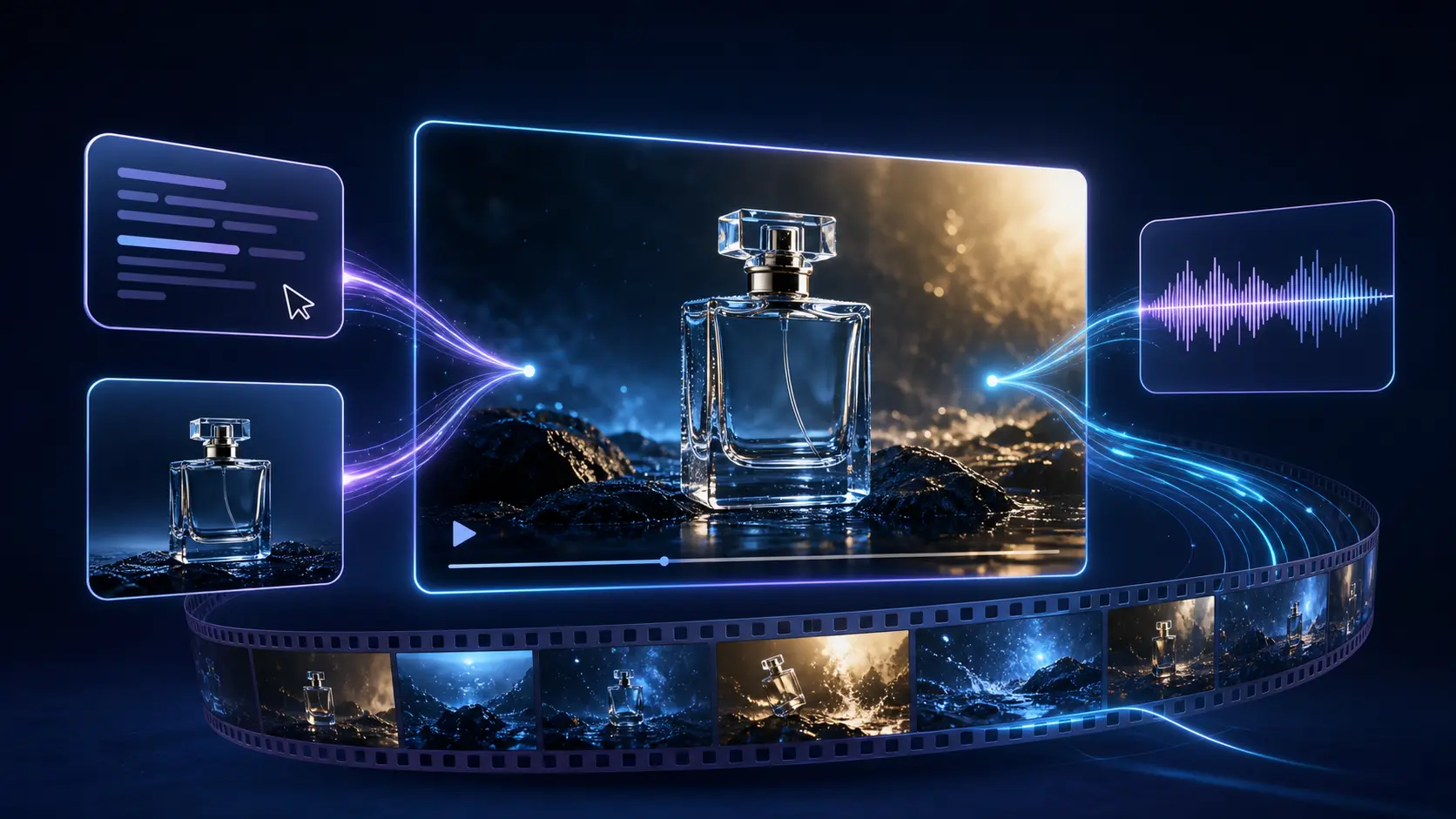
How to Use Gemini Omni: A Step-by-Step Guide to AI Video Creation
Learn how to use Gemini Omni step by step: choose a generation mode, write a structured prompt, pick an aspect ratio, and refine your AI video results.
Read More

What Is Gemini Omni? A Practical Guide to the Next Wave of AI Video Creation
What is Gemini Omni? Discover how this multimodal AI video generator turns text and images into cinematic content, accelerating your creative workflow.
Read More

After Sora: Why Gemini Omni Leads AI Video Now
Discover how Google's Gemini Omni is revolutionizing AI video generation with conversational editing and integrated workflows following the shutdown of Sora.
Read More